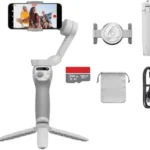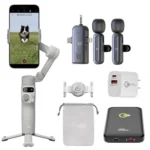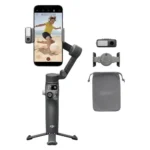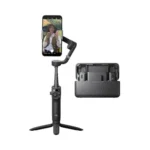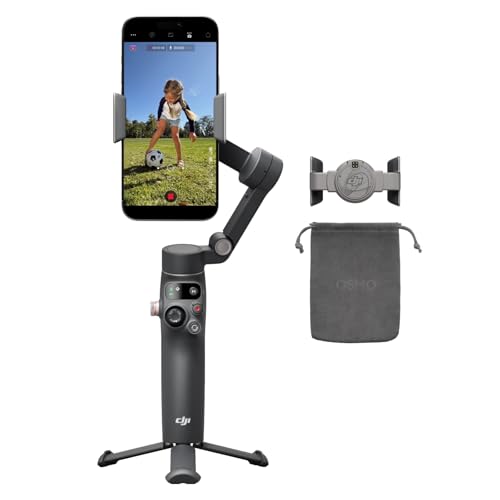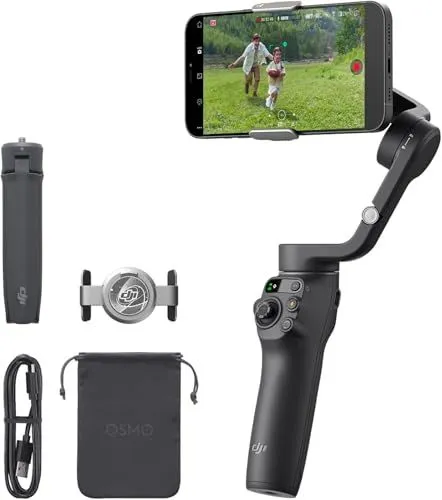
The DJI Osmo Mobile 6 Smartphone Gimbal is an advanced 3-axis stabilizer designed to elevate mobile videography with its compact and foldable architecture. Finished in a professional Slate Gray, this handheld device features a quick-launch function that powers on the unit as soon as it is unfolded, allowing creators to capture spontaneous moments without delay. Its 3-axis stabilization technology effectively eliminates unwanted camera shakes, ensuring that every shot remains smooth and cinematic regardless of movement.
Content creators for YouTube and TikTok will find the integrated 215mm extension rod particularly useful for achieving high-angle shots or wide-group selfies. The DJI Osmo Mobile 6 Smartphone Gimbal incorporates ActiveTrack 6.0, which offers enhanced subject tracking capabilities that remain stable even at longer distances or when the subject is moving rapidly. The device also includes a convenient built-in status panel that displays the current gimbal mode and battery level, paired with an intuitive side wheel that grants users precise control over zoom and manual focus adjustments.
Portability remains a core strength of this tool, as its magnetic phone clamp allows for rapid attachment and detachment of mobile devices without the need to remove most protective cases. The DJI Osmo Mobile 6 Smartphone Gimbal is fully compatible with the DJI Mimo and LightCut apps, providing a suite of intelligent features such as ShotGuides, timelapse, and one-tap editing. Whether used in portrait mode for social media stories or landscape for cinematic vlogs, this versatile stabilizer provides the necessary tools for both beginners and experienced filmmakers to produce professional-quality digital content.
FEATURES:
– 3-axis gimbal stabilization
– Built-in extension rod
– Advanced object tracking
– Portable foldable design
– Slate gray finish
– Quick launch feature
– Ergonomic handle grip
– Magnetic phone clamp
– ShotGuides tutorials
– ActiveTrack 6.0 technology
– Simple mode switching
The DJI Osmo Mobile 6 Smartphone Gimbal is a portable and foldable stabilizer designed to elevate the quality of mobile videography. Featuring a sleek Slate Gray finish that is both stain-resistant and ergonomically optimized, this 3-axis gimbal ensures smooth and shake-free footage for high-energy activities. Its unique quick launch function allows the device to power on automatically the moment it is unfolded, enabling creators to capture spontaneous moments without delay.
– 3-axis gimbal stabilization
– Built-in extension rod
– Advanced object tracking
– Portable and foldable design
– Quick launch capability
– Intuitive status panel
– Ergonomic non-slip grip
– Ideal for vlogging
– Short battery life compared to competitors
– App not in Google Play Store
– Limited tilt and panning range
– Android features are significantly limited
– Zoom wheel is often too sensitive
– Tracking requires the specific Mimo app
– Can cause some phones to overheat
– Low payload limit for heavy phones
– Magnetic clamp can scratch phone surfaces
– Setup process takes too much time
– App drains smartphone battery quickly
The DJI Osmo Mobile 6 offers excellent 3-axis stabilization and advanced object tracking in a portable, foldable design that features a convenient built-in extension rod and intuitive controls. However, its performance is hindered by a relatively short battery life, limited range of motion, and significant software drawbacks, including the absence of the Mimo app from the Google Play Store and reduced functionality for Android users. While the ergonomic grip and quick launch features make it a strong tool for vlogging, potential buyers should also consider the sensitivity of the zoom wheel, the risk of the magnetic clamp scratching surfaces, and the tendency for the app to drain smartphone power quickly. Read more…
ActiveTrack 6.0 Feature Overview
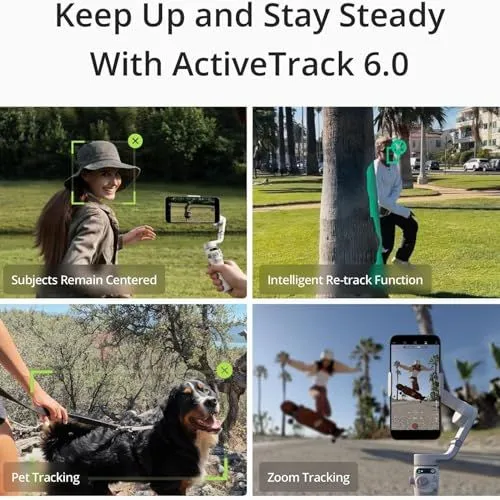
This promotional graphic highlights the capabilities of ActiveTrack 6.0 for a handheld smartphone gimbal. The image is divided into four main sections. The top left panel shows a woman being tracked while walking to keep her centered in the frame. The top right panel demonstrates an intelligent retrack function where the gimbal follows a person behind a tree. The bottom left panel displays pet tracking as a dog is being walked on a leash. The bottom right panel illustrates zoom tracking while a skateboarder performs a trick. Each section includes a descriptive label over a blurred background. The text at the top reads Keep Up and Stay Steady With ActiveTrack 6.0. The gimbal hardware is visible in the hands of the operators in several shots.
DJI Osmo Mobile 6 Stabilization Comparison
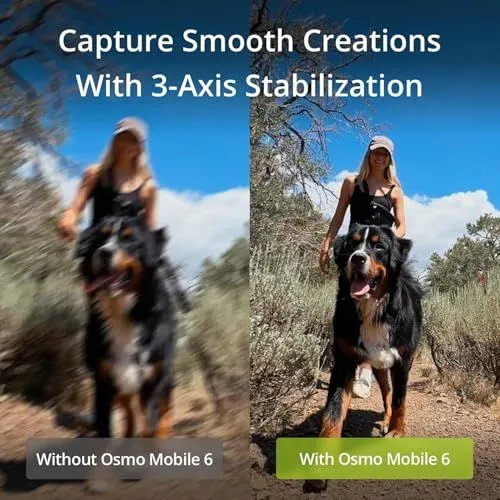
The image shows a side by side comparison of video quality. A woman walks a large dog on a dirt trail. The left side represents footage captured without the Osmo Mobile 6. This side is very blurry and shows significant motion blur. The right side represents footage captured with the device. This side is clear and sharp. The woman and the dog are in focus. The text at the top says Capture Smooth Creations With 3-Axis Stabilization. Labels at the bottom distinguish the two scenes. One label is gray and the other is green. The background features dry brush and a blue sky.
DJI Osmo Mobile Gimbal Unfolding Guide
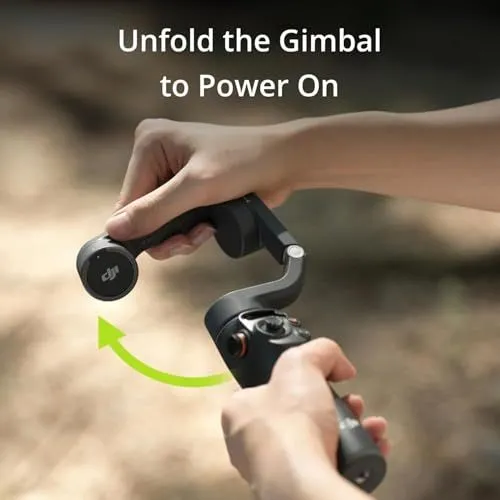
A person is shown unfolding a black DJI smartphone gimbal. The device is being held with both hands in an outdoor setting. The background is a soft and blurry natural environment. A bright green arrow indicates the upward rotation needed to open the arm. White text at the top of the image says Unfold the Gimbal to Power On. One hand grips the handle while the other lifts the folding arm. The DJI logo is clearly visible on the side of the hinge. The gimbal features a joystick and several control buttons on the handle. This image serves as a quick start instruction for users. It highlights the convenient auto power feature of the device.
Key Features of a Portable Smartphone Gimbal
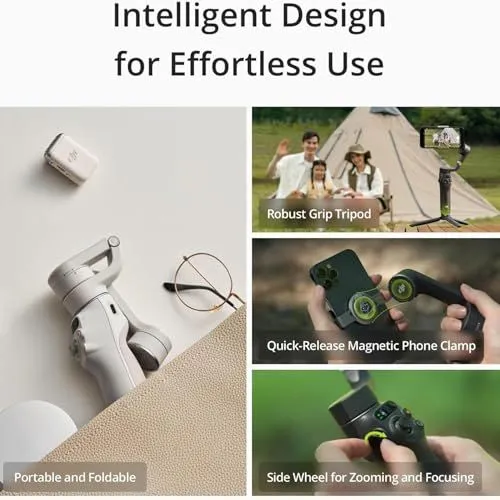
The image showcases the design features of a DJI Osmo Mobile smartphone gimbal. It is titled Intelligent Design for Effortless Use. The layout includes four distinct panels highlighting specific hardware capabilities. One panel shows the device in a folded state tucked into a bag to illustrate its portable and foldable nature. Another panel depicts the gimbal standing on a surface using a robust grip tripod. A third section demonstrates the quick release magnetic phone clamp that attaches a smartphone to the motor arm. The final panel shows a close up of a person using the side wheel for zooming and focusing control. The product is shown in both light gray and dark gray color options. Each feature is labeled with clear white text on a dark background overlay.
DJI Osmo Mobile Gimbal Extension Feature
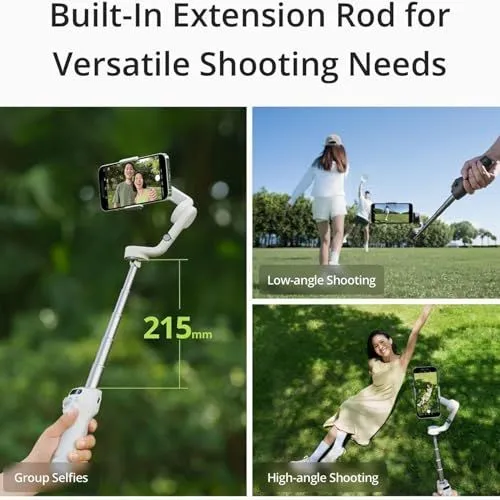
This image illustrates the built-in extension rod of a smartphone gimbal. The main graphic on the left shows the device fully extended to 215mm. A person is holding the white handle while a phone captures a selfie of a couple. On the right side there are two smaller photos showing practical uses. The top right photo shows low-angle shooting of a person walking in a park. The bottom right photo shows high-angle shooting of a woman sitting on the grass. The text at the top describes it as a built-in extension rod for versatile shooting needs. The gimbal itself is white with a telescopic silver metal rod. Each example photo has a small gray label identifying the shot type. The lighting is bright and outdoor with green grass and trees in the background. This visual guide highlights how the extension helps with group selfies and creative angles.
A Hand Placing a Drone Motion Controller into a Pocket
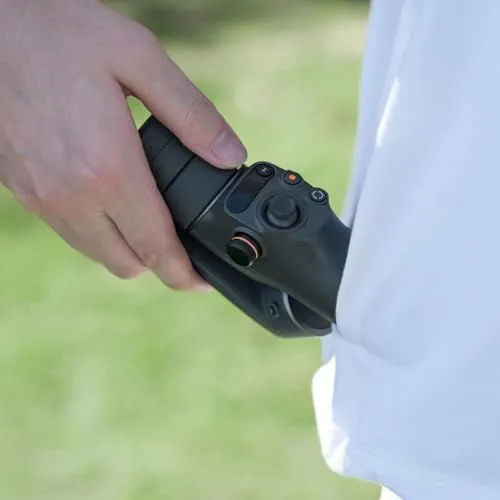
A persons hand is holding a black electronic device. The device is a motion controller for a drone. It has several buttons and a joystick on the top. One button has a distinct orange accent. The person is wearing a white garment. They are sliding the controller into a side pocket of the clothing. The background shows a soft green blur of grass. The lighting is bright and natural as if outdoors. The hand is gripped firmly around the base of the controller. This image highlights the compact and portable nature of the equipment.
DJI Osmo Mobile Smartphone Gimbal Watch Control Feature
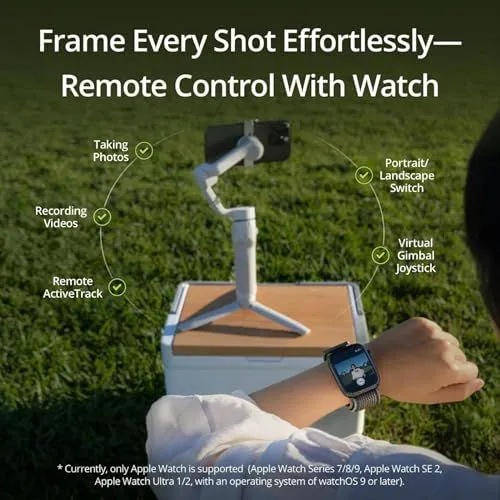
An advertisement showcases a white smartphone gimbal resting on a portable wooden surface in a grassy field. A person wears an Apple Watch and views a live camera feed on the small screen. Text at the top highlights the ability to frame every shot effortlessly using remote watch controls. Six icons around the gimbal list specific features like taking photos and recording videos. These features include remote ActiveTrack and a virtual gimbal joystick. Users can also switch between portrait and landscape modes from their wrist. A disclaimer at the bottom specifies compatibility with Apple Watch Series 7 and newer models. The software requires watchOS 9 or later for these functions to work. The image emphasizes convenience for solo content creators. The outdoor setting suggests a lifestyle of travel and adventure photography.
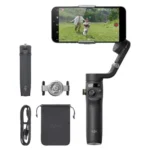
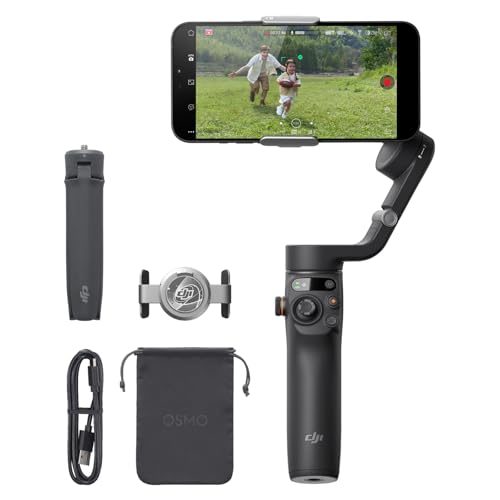
Package Contents for Osmo Mobile 6
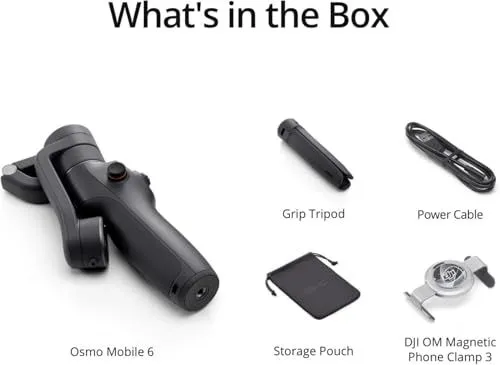
This image displays the components included with the Osmo Mobile 6 smartphone gimbal. The main device is a foldable black handheld stabilizer. A small grip tripod is shown for stationary use. There is a black USB power cable for charging the unit. A soft gray storage pouch is provided for protection. The kit also includes a magnetic phone clamp to attach a mobile device. Each item is labeled with clear text against a white background. The layout is organized and easy to read. All components are colored in shades of black or dark gray.