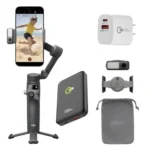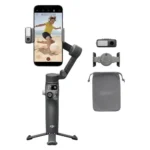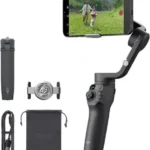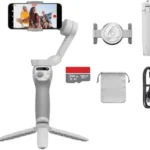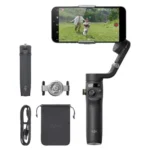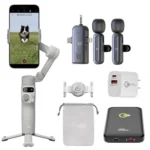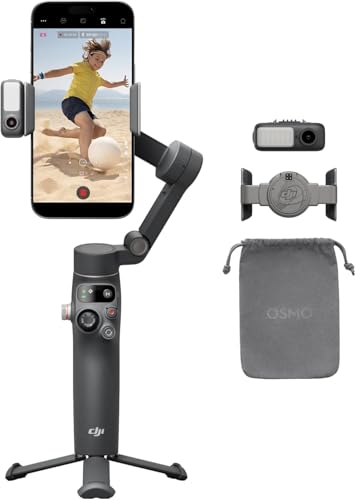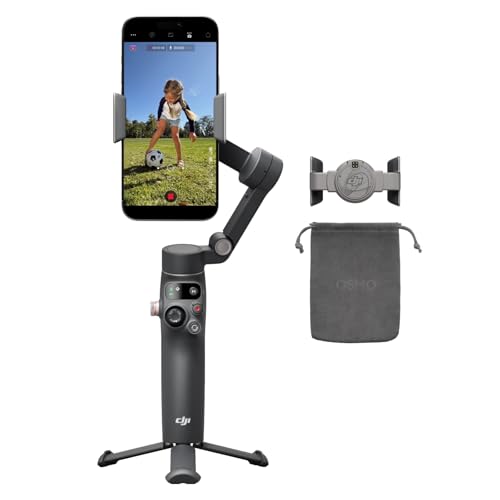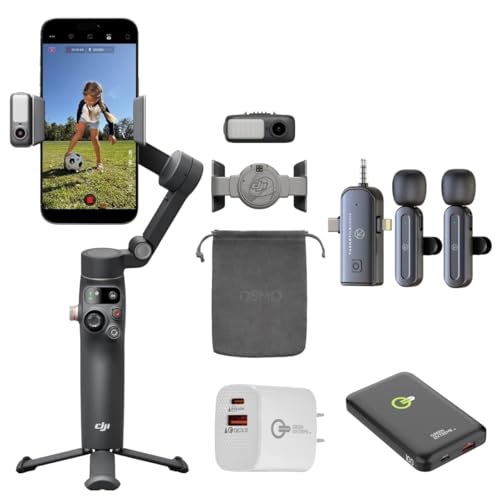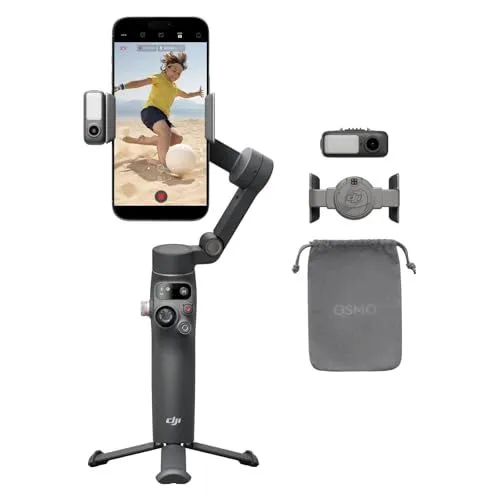
The DJI Osmo Mobile 7P Gimbal Stabilizer With Extension Rod offers professional-grade stability for both iPhone and Android users seeking to elevate their mobile videography. This advanced 3-axis phone gimbal features seventh-generation stabilization and ActiveTrack 7.0 technology to ensure smooth, shake-free footage even during fast-paced movement. A standout feature is the new Multifunctional Module, which enables native tracking directly through a phone’s built-in camera app or third-party platforms like TikTok and Instagram without needing the DJI Mimo app. The device also includes integrated lighting and audio reception capabilities to provide a complete production setup in a single portable tool.
Creators will appreciate the efficiency of the DJI Osmo Mobile 7P Gimbal Stabilizer With Extension Rod thanks to its quick launch design that powers on the moment it is unfolded. The magnetic phone clamp allows for instant mounting, while the DJI Mimo app provides intelligent features such as ShotGuides and one-tap editing to help beginners craft cinematic content quickly. For more versatile perspectives, the hardware integrates a telescoping rod that extends nearly nine inches and a built-in tripod at the base, eliminating the need for carrying extra accessories while filming high-angle shots or steady time-lapses.
The DJI Osmo Mobile 7P Gimbal Stabilizer With Extension Rod is built for long days in the field with a high-capacity battery that delivers up to 10 hours of continuous use. It also functions as a power bank, allowing for phone charging via its USB-C port to keep your smartphone powered during intensive live streaming or recording sessions. When the shoot is over, the gimbal smartly rotates into a compact, foldable position for easy storage. This combination of long battery life, native tracking, and integrated extension capabilities makes it a comprehensive solution for modern content creators on the go.
FEATURES:
– 3-Axis gimbal stabilization
– Native subject tracking
– Built-in extension rod
– Integrated tripod stand
– Quick launch functionality
– One-tap video editing
– Built-in lighting
– 10-hour battery life
– Integrated phone charging
The DJI Osmo Mobile 7P Gimbal Stabilizer With Extension Rod is a cutting-edge 3-axis phone gimbal designed to deliver professional-grade stabilization for both iPhone and Android users. It features an innovative quick launch mechanism that powers the device on the moment it is unfolded, allowing creators to capture spontaneous moments without delay. The system utilizes seventh-generation stabilization technology and ActiveTrack 7.0 to ensure that subjects remain perfectly framed and steady, even during high-intensity movement or complex action sequences.
– Excellent 3-axis stabilization
– Handles heavy phones easily
– Native tracking works anywhere
– Built-in adjustable fill light
– Quick magnetic phone attachment
– Ten hour battery life
– Charges phone while filming
– Compact and foldable design
– Includes extension rod and tripod
– Good build quality and durability
– Helpful app for video editing
– Professional looking smooth footage
– Useful remote control features
– Easy and fast setup
– Steep learning curve for advanced functions
– Tracking loses subjects in crowded scenes
– High premium price point
– Included tripod is not fully stable
– Android features limited compared to iOS
– Full functionality requires DJI Mimo app
– Native camera apps lack tracking features
– Device feels a little heavy
The DJI Osmo Mobile 7P provides professional-grade video quality through its excellent three-axis stabilization and a versatile design that includes a built-in fill light, extension rod, and the ability to charge your phone during its ten-hour battery life. Its native tracking and magnetic attachment system make it highly functional for heavy smartphones, though users should be aware of a steep learning curve, a premium price tag, and the fact that Android users may experience fewer features than those on iOS. While the gimbal is durable and offers smooth footage, it can feel slightly heavy and its tracking occasionally struggles in crowded environments or when used outside of the required DJI Mimo app. Read more…
DJI Osmo Mobile All-In-One Features
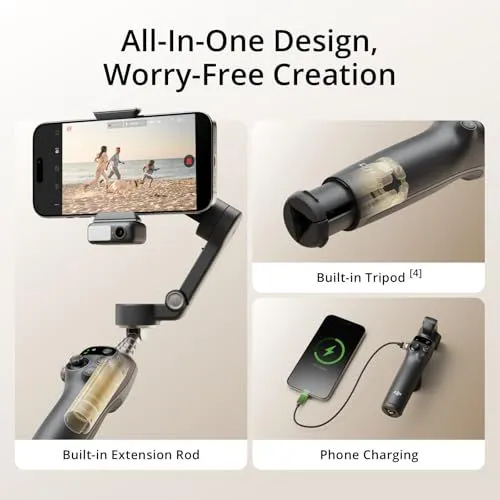
This image displays a promotional graphic for a smartphone gimbal stabilizer. The top heading says All-In-One Design Worry-Free Creation. A large main photo shows a smartphone mounted on the gimbal for filming on a beach. Three smaller panels highlight specific features of the device. The first panel shows a built-in extension rod inside the handle. The second panel illustrates a built-in tripod located at the bottom of the base. The third panel demonstrates the gimbal charging a smartphone via a cable. The product has a dark gray matte finish. The background uses a soft tan gradient. Each feature is clearly labeled with text at the bottom of its respective section.
DJI Osmo Mobile 6 Intelligent Features
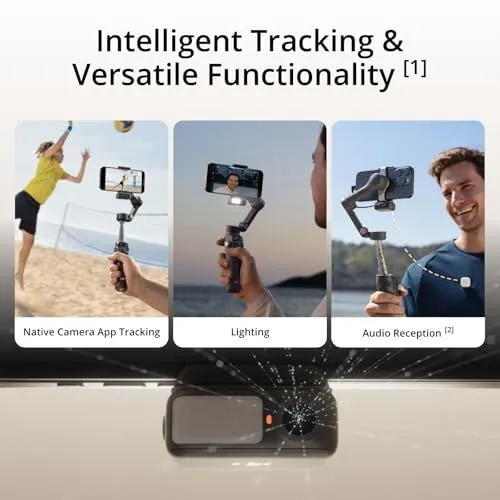
The image displays a promotional graphic for a smartphone gimbal stabilizer. The top of the graphic features a large heading about intelligent tracking and versatile functionality. Three vertical panels show different use cases for the device. The left panel demonstrates native camera app tracking while filming a person playing volleyball. The middle panel shows an integrated fill light being used for a selfie video at night. The right panel highlights wireless audio reception with a microphone clipped to a person’s shirt. A close-up of the sensor module is shown at the bottom of the image. The device is dark grey with a compact and ergonomic design. Light rays emanate from the sensor to illustrate its tracking capabilities. This marketing material emphasizes ease of use for content creators.
DJI Osmo Mobile 7P 3-Axis Stabilization Features
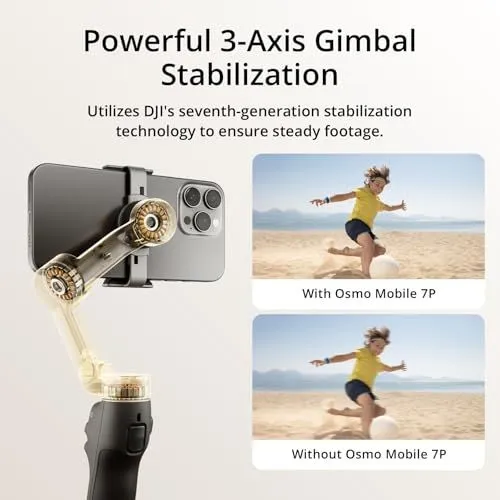
This image promotes the DJI Osmo Mobile 7P smartphone gimbal. The top text highlights powerful 3-axis gimbal stabilization. It mentions the use of seventh-generation technology for steady footage. A large graphic on the left shows a smartphone mounted on the gimbal. The gimbal arm is semi-transparent to reveal internal mechanical components and gears. On the right side are two comparison photos of a child playing on a beach. The top photo shows a clear and sharp image with the Osmo Mobile 7P. The bottom photo shows a blurry image without the device. The background has a soft beige gradient. The overall design is clean and professional.
DJI Osmo Mobile 6 Quick Launch Feature
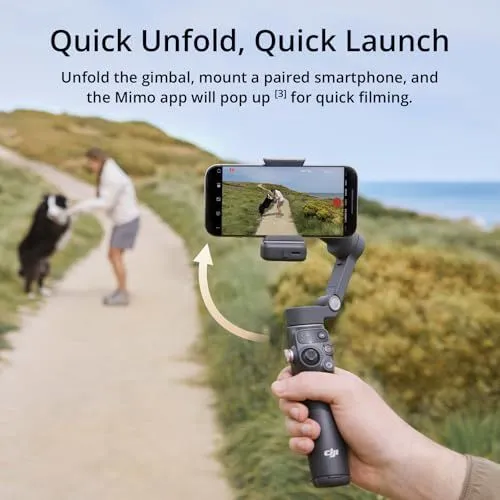
A hand holds a gray DJI smartphone gimbal on a coastal path. The gimbal is unfolded and holds a smartphone in landscape mode. The phone screen shows a woman playing with a black and white dog. An arrow indicates the unfolding motion of the gimbal arm. The background features a sandy trail and green bushes leading toward the ocean. Text at the top reads Quick Unfold, Quick Launch. Additional text explains that the Mimo app pops up for quick filming. The DJI logo is visible on the bottom of the gimbal handle. The scene is bright and suggests outdoor activity.
Effortless Control and Flexible Framing
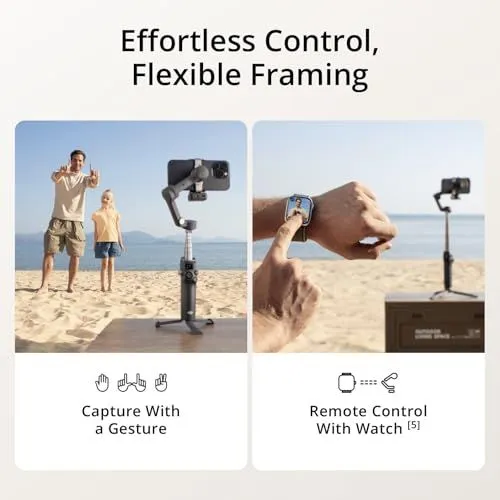
The image shows a marketing graphic for a smartphone gimbal. It is split into two main sections under a central heading. The left side displays a man and a child standing on a sandy beach. They are making hand gestures toward a smartphone mounted on a gimbal. Small icons below them illustrate different hand signals for capturing photos. The right side features a person using a smartwatch to control the gimbal from a distance. The smartwatch screen shows a live preview of the camera feed. The gimbal is visible in the background standing on a tripod base. Both scenes emphasize remote operation and ease of use for photography. The background of both photos features a bright beach and a clear sky. Icons and text labels highlight the gesture control and watch integration features.
DJI Mimo App Features Overview
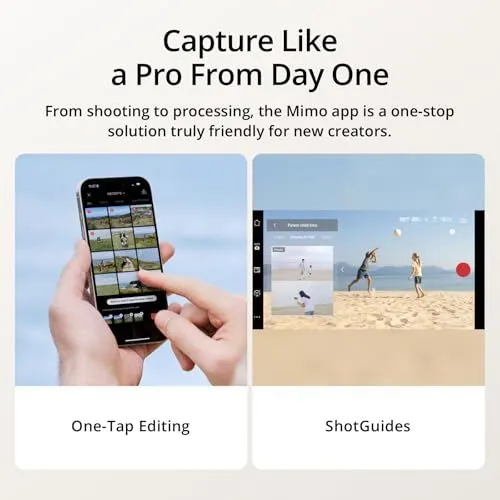
The image shows a promotional graphic for the DJI Mimo mobile app. The top of the image features a large heading about capturing like a pro. Below the heading is a short sentence explaining that the app is a one-stop solution for new creators. The graphic is split into two main sections at the bottom. The left section shows a person holding a smartphone. Their finger is tapping a grid of video clips on the screen. This section is labeled One-Tap Editing. The right section shows the smartphone in landscape mode. It displays a live camera view of people playing on a beach. Small tutorial windows appear on the left side of the screen. This section is labeled ShotGuides. The background of the entire graphic is a light beige color. The design is clean and focuses on user-friendly features for video editing and production.
What’s in the Box of the Osmo Mobile 7P
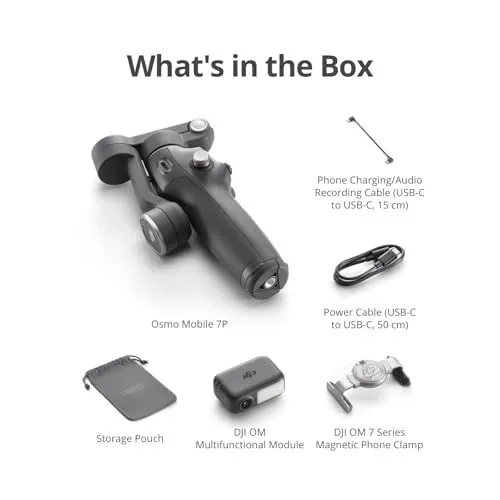
This image displays the components included with the Osmo Mobile 7P smartphone gimbal. The main gimbal unit is shown in its folded position at the center. It has a dark gray finish with a prominent joystick and power button. Above the gimbal the text says What is in the Box. To the right of the gimbal are two cables. One is a fifteen centimeter phone charging and audio recording cable. The other is a fifty centimeter USB-C power cable. Below the gimbal there are three additional accessories. A gray storage pouch sits on the left. In the middle is the DJI OM Multifunctional Module with a built-in light and lens. On the right is the DJI OM 7 Series Magnetic Phone Clamp used to attach a smartphone. All items are arranged neatly on a clean white background. Each item has a clear text label underneath it.
Mobile Phone Compatibility List for DJI Devices
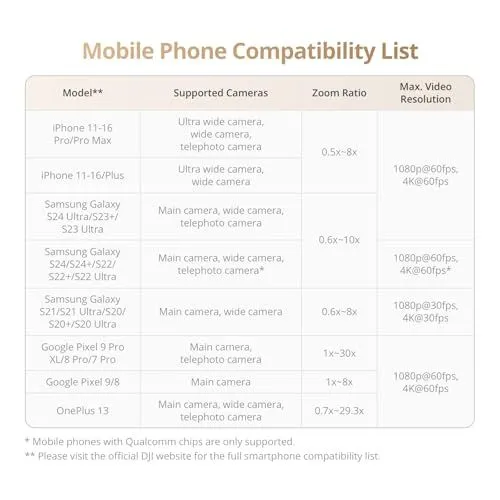
This image shows a detailed compatibility table for mobile phones. It lists various smartphone models and their supported camera features. The brands included are Apple Samsung Google and OnePlus. The table identifies which specific cameras work with the device. It also provides the zoom ratio ranges for each model group. Maximum video resolution and frame rates are displayed on the right. Resolutions include 1080p and 4K at various speeds. A footnote mentions that only phones with Qualcomm chips are supported for certain models. Another note directs users to the official DJI website for a full list. The text is presented in a clean professional layout with soft colors. This chart helps users understand the video capabilities of their specific hardware.
Family Beach Photo with DJI Smartphone Gimbal
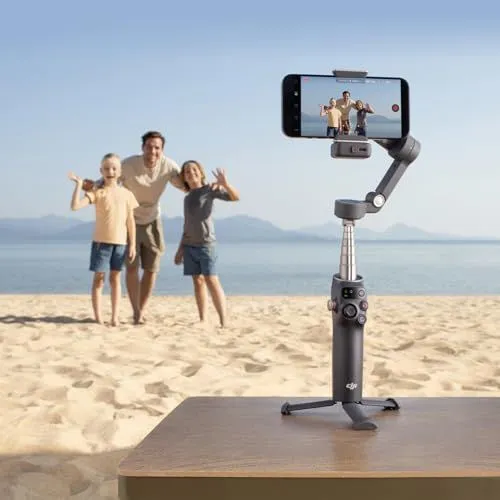
A smartphone is mounted on a DJI Osmo Mobile gimbal. The gimbal sits on a small tripod on a wooden table. A man and two children stand on a sandy beach in the background. They are waving at the camera. The ocean and distant mountains are visible behind them. The sky is clear and blue. The smartphone screen shows a live preview of the family. The gimbal is extended to a medium height. The lighting is bright and natural. The scene captures a happy vacation moment. The family is dressed in casual summer clothes. The sand is light in color. The water is calm. The device is dark gray with a visible logo. This setup allows for stable and high-quality filming.
DJI Osmo Mobile 6 Gimbal and Accessories
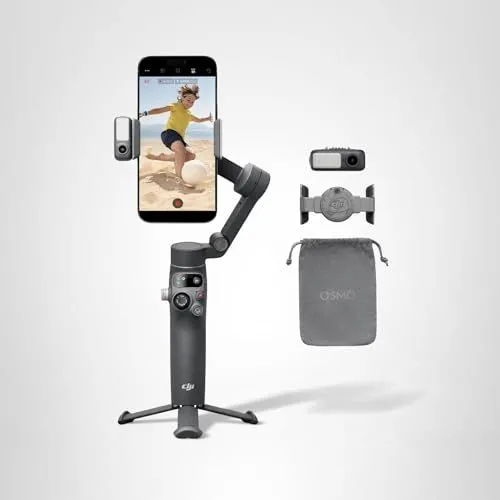
A slate gray DJI Osmo Mobile 6 smartphone gimbal stands on a small tripod base. The device holds a black smartphone displaying a video of a child playing soccer on a beach. A small external fill light is attached to the side of the phone clamp. Next to the gimbal are three separate accessories laid out vertically. The top accessory is a small magnetic fill light. Below that is a magnetic phone clamp with the DJI logo. The bottom item is a gray fabric drawstring storage pouch with the word Osmo printed on it. The entire setup is shown against a plain light gray background. This image highlights the portable design and specialized tools for mobile videography.
Google Image Search Results for DJI Osmo Mobile 7P
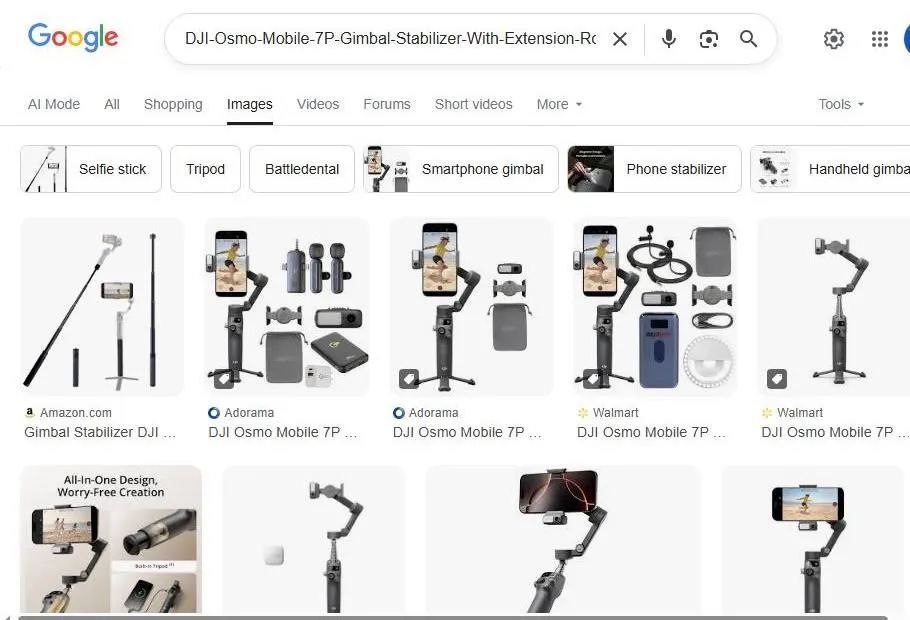
This image shows a Google search results page for the DJI Osmo Mobile 7P gimbal stabilizer. The search bar at the top displays the product name with an extension rod. Below the search bar are various filter buttons like selfie stick and tripod. The main gallery features several product photos from retailers like Amazon and Walmart. Each image shows the gimbal in different configurations. Some pictures show the device with an extension rod or tripod legs. Other images show the gimbal with accessories like carrying cases and phone clamps. A few photos demonstrate the gimbal being used with a smartphone to record video. The design of the gimbal appears to be dark grey or black. The layout follows a standard grid format common to image searches. The overall interface is clean and displays shopping options for the hardware.
DJI Osmo Mobile 7P Search Results
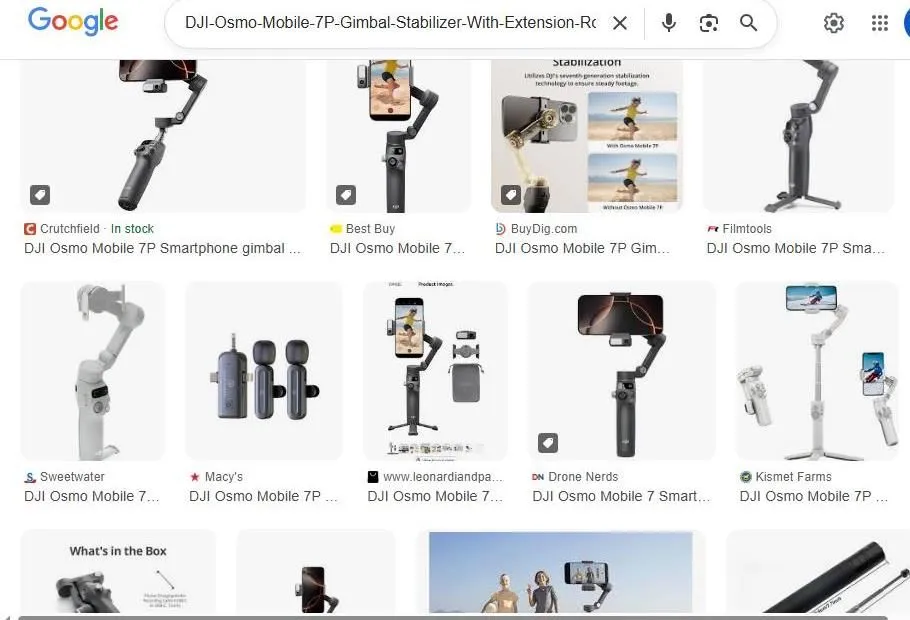
The image shows a Google Image search page for the DJI Osmo Mobile 7P smartphone gimbal. The search bar at the top contains the product name. Several rows of product photos are visible from different retailers. These retailers include Crutchfield, Best Buy, BuyDig, and Filmtools. The gimbals are shown in both black and light gray colors. Some images show the device holding a smartphone. Other photos display the gimbal standing on a tripod base. One image shows the contents of the retail box. A small comparison graphic demonstrates stabilization technology. The layout is a standard grid of web image results. Icons for price and stock status appear on some thumbnails. The overall theme focuses on mobile photography equipment.
Google Search Results for DJI Osmo Mobile Gimbals
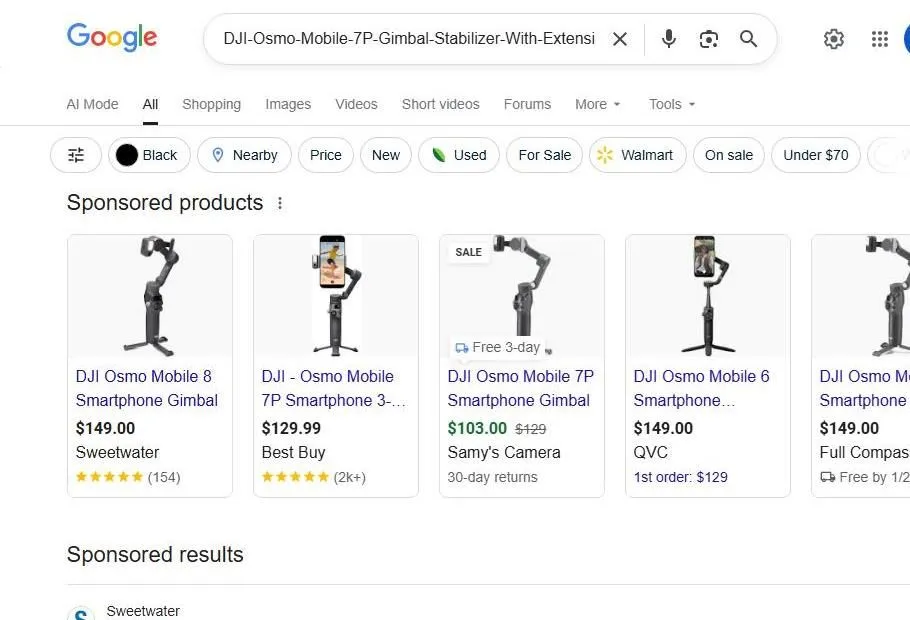
The image shows a Google search results page for a DJI Osmo Mobile 7P gimbal stabilizer. The top of the screen features a search bar with the product name. Below the search bar are various filters like color and price. A section labeled sponsored products displays several gimbal models. These models include the DJI Osmo Mobile 8 and the DJI Osmo Mobile 7P. Each product listing shows an image of the device and its price. Store names such as Sweetwater and Best Buy are visible under the prices. Star ratings and review counts appear at the bottom of each product card. One item from Samys Camera is marked as being on sale. The layout is clean and uses a standard grid format for shopping results. Most of the gimbals are black and shown with a tripod base. The overall background of the webpage is white.
Google Shopping results for DJI Osmo Mobile 7P
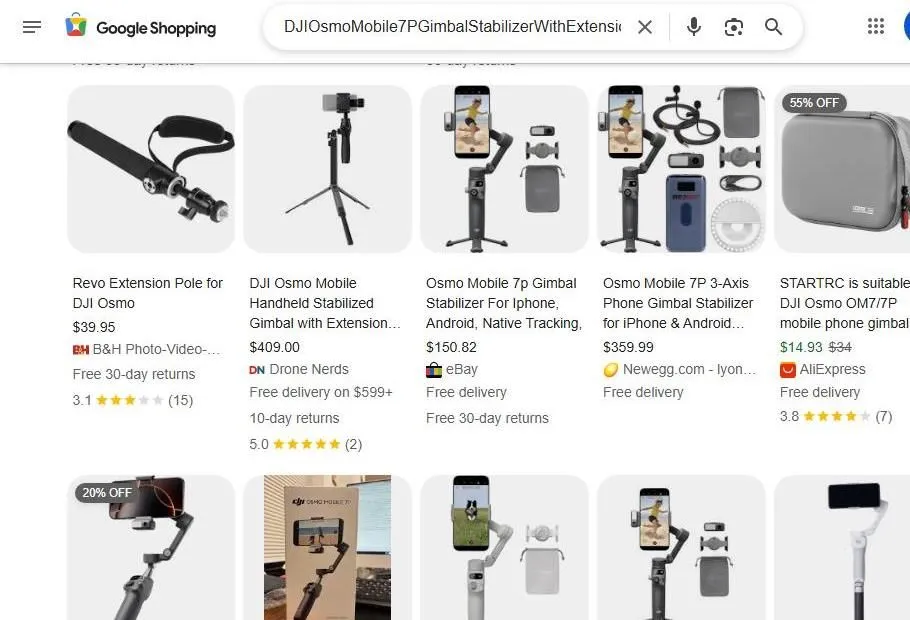
The image shows a web browser displaying Google Shopping search results. The search bar contains the text DJI Osmo Mobile 7P Gimbal Stabilizer With Extension. Several product listings appear in a grid layout. The first item is a Revo Extension Pole priced at thirty nine dollars and ninety five cents. The second listing shows a DJI Osmo Mobile Handheld Stabilizer for four hundred and nine dollars. A third listing features an Osmo Mobile 7p Gimbal Stabilizer for one hundred and fifty dollars and eighty two cents from eBay. Another listing shows a 3-axis phone gimbal stabilizer from Newegg for three hundred and fifty nine dollars and ninety nine cents. There is also a carrying case from AliExpress with a fifty five percent discount. Product images show the gimbals in black and gray colors. Some gimbals are shown holding smartphones. Rating stars and review counts are visible under some listings. The interface includes the Google Shopping logo and standard navigation icons. Most items offer free delivery or specific return policies. The background of the webpage is white and clean.