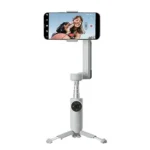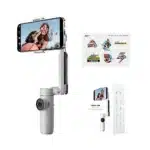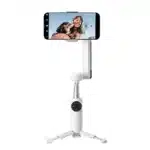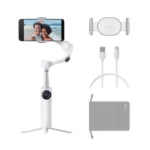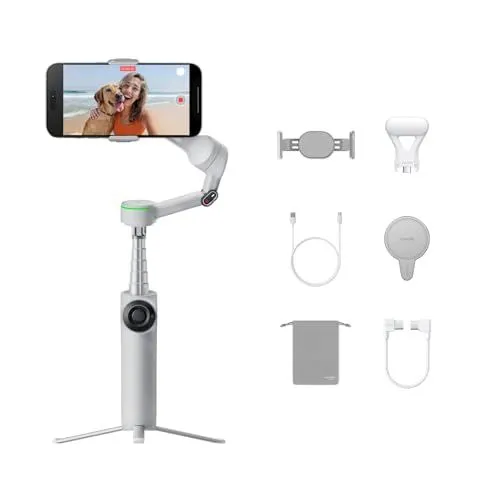
The Insta360 Flow 2 Pro Creator Bundle Grey is a versatile, all-in-one filmmaking tool designed to turn any smartphone into a professional-grade camera rig. Featuring a compact and foldable design, this AI-powered stabilizer is built for travel and daily vlogging, allowing users to deploy it in a single step without complex balancing. It stands out in the market as an advanced solution for creators, integrating a built-in selfie stick and a reinforced tripod directly into the handle. This ensures that you have everything needed for stable handheld shots or stationary recording without carrying extra accessories, making the Insta360 Flow 2 Pro Creator Bundle Grey an essential companion for content on the go.
One of the most innovative features of the Insta360 Flow 2 Pro Creator Bundle Grey is its integration with Apple DockKit, which allows for native subject tracking directly within the iPhone camera app and over 200 third-party iOS applications. This seamless connectivity is complemented by 360-degree infinite pan tracking and a specialized Free Tilt Mode, giving filmmakers the freedom to execute complex crane and dolly shots with 3-axis stabilization. The addition of Deep Track 4.0 technology further enhances the experience by providing precise multi-person and zoom tracking, ensuring the subject remains perfectly framed even during high-speed movement or at significant distances.
The bundle provides a complete creative package by including a magnetic phone mount and a versatile spotlight to ensure high-quality lighting in any environment. MagSafe compatibility offers a quick and secure attachment for modern iPhones, while the grey aesthetic provides a sleek, professional look. Users can benefit from a long-lasting battery that supports reverse charging for their mobile devices and an intuitive SmartWheel for tactile control over zoom and settings. With its combination of intelligent AI software and robust hardware, the gimbal empowers solo creators to produce cinematic vertical or widescreen content with minimal effort.
FEATURES:
– Foldable AI phone gimbal
– Official Apple DockKit support
– 360 degree pan tracking
– Versatile free tilt mode
– Built-in tripod and selfie stick
– Portable vlog and travel stabilizer
– Included magnetic fill light spotlight
– MagSafe compatible mounting
– Advanced AI subject tracking
– Compact foldable design
The Insta360 Flow 2 Pro Creator Bundle Grey represents a significant leap in mobile cinematography by integrating advanced artificial intelligence with professional-grade hardware. This compact, foldable smartphone gimbal is engineered for creators who demand high-quality stabilization without the bulk of traditional gear. It features a sophisticated 3-axis stabilization system that effectively cancels out shakes, providing silky smooth footage during fast-paced travel or action sequences. With its integrated design, the Insta360 Flow 2 Pro Creator Bundle Grey serves as an all-in-one production tool, housing a built-in selfie stick and a reinforced metal tripod within its sleek, portable frame for immediate deployment.
– Great price and functionality
– AI tracking and 360 range
– Excellent Apple DockKit integration
– Intuitive app with great features
– Perfectly sized and easy to pack
– Ridiculously smooth stabilization
– Folds down compact and sets up fast
– Reliable 360 degree pan tracking
– Natural feeling Free Tilt Mode
– Useful built-in tripod and selfie stick
– Quick and secure MagSafe mounting
– Professional video quality with little effort
– Responsive gesture controls
– Next level time lapse capabilities
– Sturdy magnetic phone mount
– Works well with external microphones
– Compatible with third-party camera apps
– Simple and easy to hold interface
– Fast one-tap pairing
– Frequent ads in the app
– Requires removing phone case
– Weight limit is restrictive
– MagSafe can cause unbalance
– Battery drains fast while charging phone
– Lacks in-app video editing
The Insta360 Flow 2 Pro Creator Bundle offers a highly portable and functional solution for mobile creators, boasting exceptionally smooth stabilization, reliable 360-degree pan tracking, and seamless Apple DockKit integration. Users benefit from its compact foldable design, built-in tripod and selfie stick, and quick MagSafe mounting which allow for professional-quality video with minimal setup effort. However, the experience is hindered by frequent advertisements within the app and the lack of built-in video editing tools. Additionally, practical drawbacks include a restrictive weight limit, the frequent need to remove phone cases for a proper fit, potential balance issues when using MagSafe, and a battery that drains quickly when used to charge a smartphone. Read more…
Deep Track 4.0 Features Overview
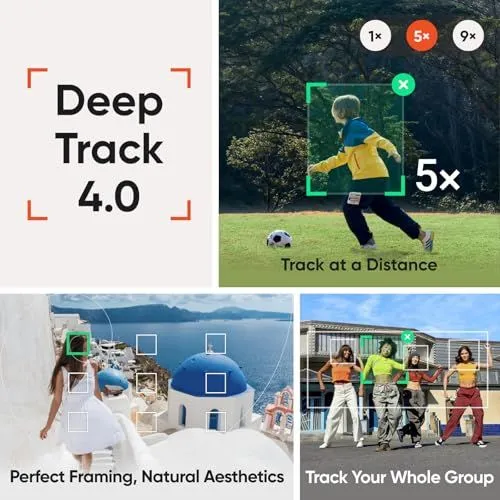
The image is a promotional graphic for a camera tracking technology called Deep Track 4.0. It is divided into four distinct sections. The top left quadrant features the title text in a bold sans-serif font. The top right quadrant shows a child playing soccer in a grassy field. A green tracking box surrounds the child to demonstrate long-distance zoom tracking. The bottom left quadrant displays a woman in a white dress walking through a scenic coastal village with blue domes. Overlaid white boxes and gold ratio spirals suggest advanced framing and aesthetic composition. The bottom right quadrant shows a group of four people dancing together outdoors. Multiple tracking boxes appear over each individual to highlight the ability to follow an entire group. The overall layout is clean and uses high-quality photography to showcase technical software capabilities. The color palette is bright and natural.
Insta360 Flow 2 Pro Comparison Chart
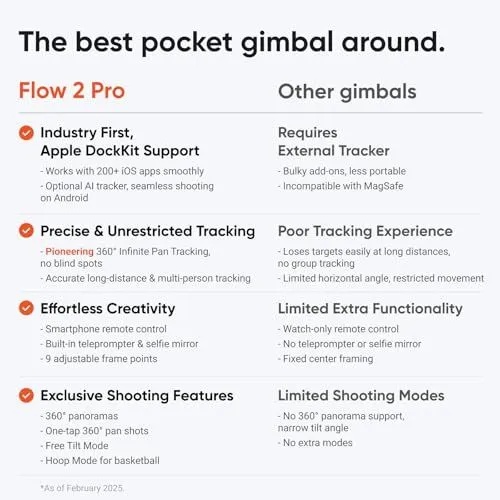
A promotional graphic compares the Flow 2 Pro gimbal against other gimbals. The image uses a clean white background with orange and black text. It highlights four main categories of improvement. The first section mentions Apple DockKit support for over two hundred apps. This feature is noted as an industry first. The second section focuses on precise and unrestricted tracking. It boasts a pioneering 360 degree infinite pan capability. The third section lists features for effortless creativity like a built in teleprompter. It also mentions a smartphone remote control and selfie mirror. The final section describes exclusive shooting modes including hoop mode for basketball. A small note at the bottom states the information is current as of February 2025. Each point for the Flow 2 Pro is marked with an orange checkmark. The column for other gimbals lists various limitations for comparison.
Apple DockKit Native Tracking Gimbal
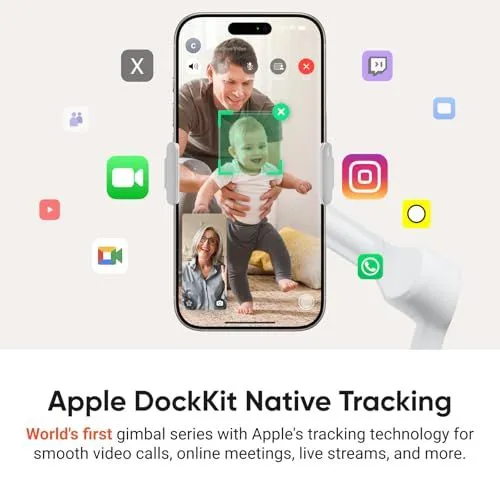
A smartphone is mounted on a white motorized gimbal stand. The phone screen displays a live video call between a family and a grandmother. A green tracking box appears around a small child to show active focus. Various social media and communication icons float around the device. These include logos for Instagram, FaceTime, and WhatsApp. The text below identifies this as the world’s first gimbal series with Apple’s native tracking technology. It is designed for smooth video calls and live streams. The background is a clean and neutral off-white color. The device features a sleek and modern design. It emphasizes ease of use for virtual meetings and online content creation.
360 Degree Infinite Pan Tracking Technology
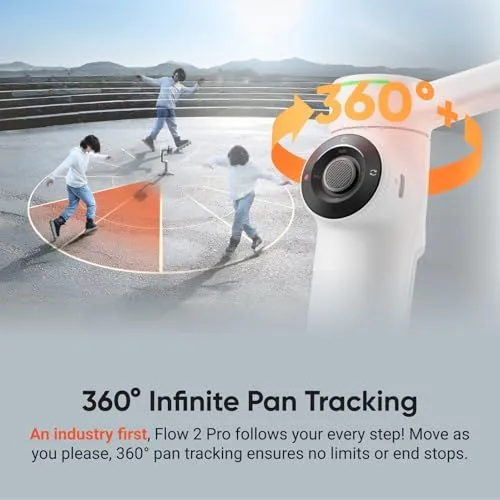
An advertisement showcases the Flow 2 Pro gimbal. The image displays a white handheld stabilizer with a control wheel. An orange arrow circles the device to indicate full rotation. Three figures of a person skating appear in the background. They move across a paved area with stone steps. Overlaid lines illustrate a wide tracking range. The text highlights a 360 degree pan tracking feature. This technology allows the device to follow subjects without end stops. The background features a bright outdoor setting with mountains. The overall design emphasizes freedom of movement for videographers.
Smartphone Gimbal with Extended Tilt Range
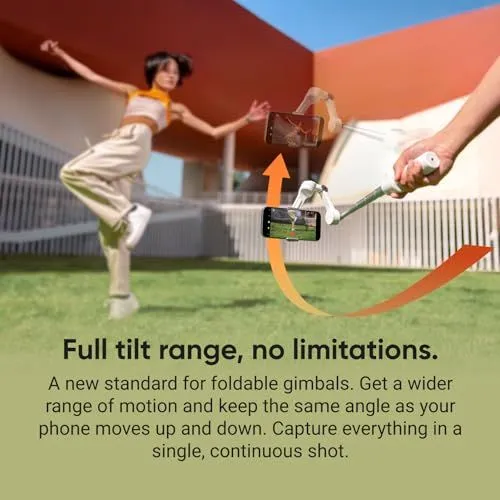
The image shows a person using a white smartphone gimbal to record a dancer. The dancer is a woman in mid-air wearing a white top and tan pants. She is performing in an outdoor area with green grass and a modern building. The gimbal is being held by a hand on the right side of the frame. An orange arrow indicates the smooth upward tilting motion of the device. Two semi-transparent versions of the gimbal show its position at different heights. The text at the bottom states that the gimbal has a full tilt range with no limitations. It claims to be a new standard for foldable gimbals. The description mentions a wider range of motion for continuous shots. The background features a bright blue sky and red architectural elements. The overall lighting is bright and sunny.
Portable 3-Axis Smartphone Gimbal Stabilizer
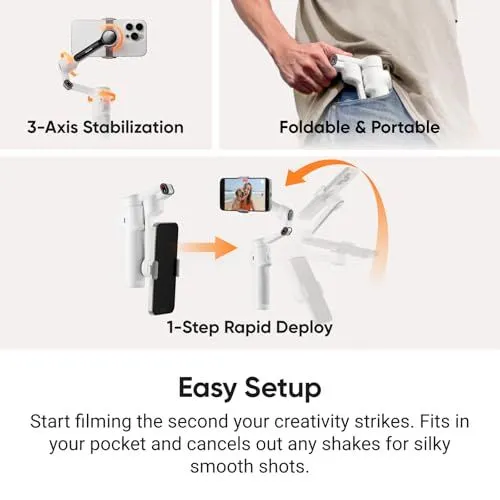
This image features a white handheld gimbal designed for mobile phones. It showcases three key selling points through a clean graphic layout. The top left section highlights the three-axis stabilization feature. This shows the motor movements for pan tilt and roll. The top right section demonstrates the device’s portability. A person is shown sliding the folded gimbal into their back pocket. The middle section illustrates the rapid deployment capability. It shows the device unfolding from a compact state to a ready-to-use position. The bottom of the image includes a large heading and a short paragraph. It explains that the stabilizer is easy to set up for smooth filming. The design uses a white background with black text and orange accents. The overall look is professional and user friendly. This product is aimed at content creators who need smooth video on the go.
AI Editing Suite for Insta360
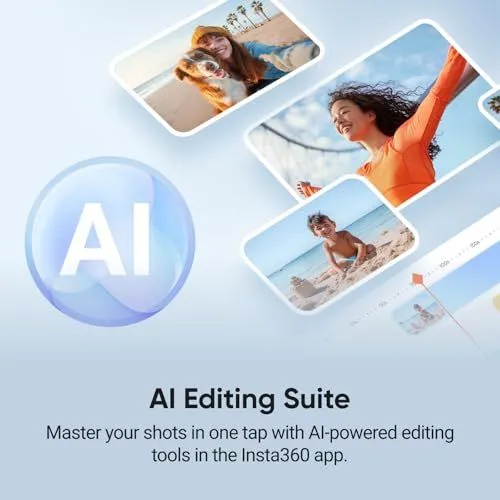
This promotional graphic highlights the AI editing suite available in the Insta360 mobile app. A large blue sphere with the letters AI sits on the left side. Several small photo frames float diagonally across the light blue background. One photo shows a person smiling with a dog on a beach. Another photo features a woman in an orange shirt with her arms raised. A third photo displays a child playing in the sand by the ocean. A video editing timeline is visible at the bottom right corner. Bold black text at the bottom identifies the feature as the AI Editing Suite. A subtitle explains that users can master their shots in one tap. The overall design is clean and modern with soft gradients.
Insta360 Flow 2 Pro Smartphone Compatibility List
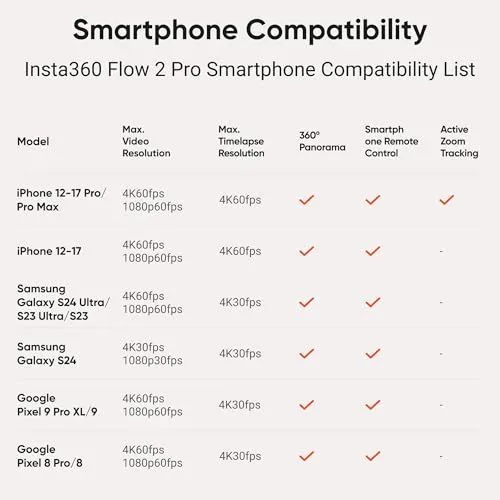
The image displays a compatibility chart for the Insta360 Flow 2 Pro gimbal. It lists various smartphone models and their supported features. The table includes columns for video resolution and timelapse resolution. It also shows support for 360 panoramas and remote control functions. A final column tracks active zoom capabilities. iPhone models from series 12 through 17 are listed at the top. Samsung Galaxy S23 and S24 series models follow in the middle rows. Google Pixel 8 and 9 series phones are positioned at the bottom. Most devices support 4K video resolution at various frame rates. Only the iPhone Pro models show support for active zoom tracking. Checkmarks indicate which features are available for each specific phone. The background is a clean off-white color with dark text.
Google Search Results for Insta360 Flow 2 Pro Creator Bundle
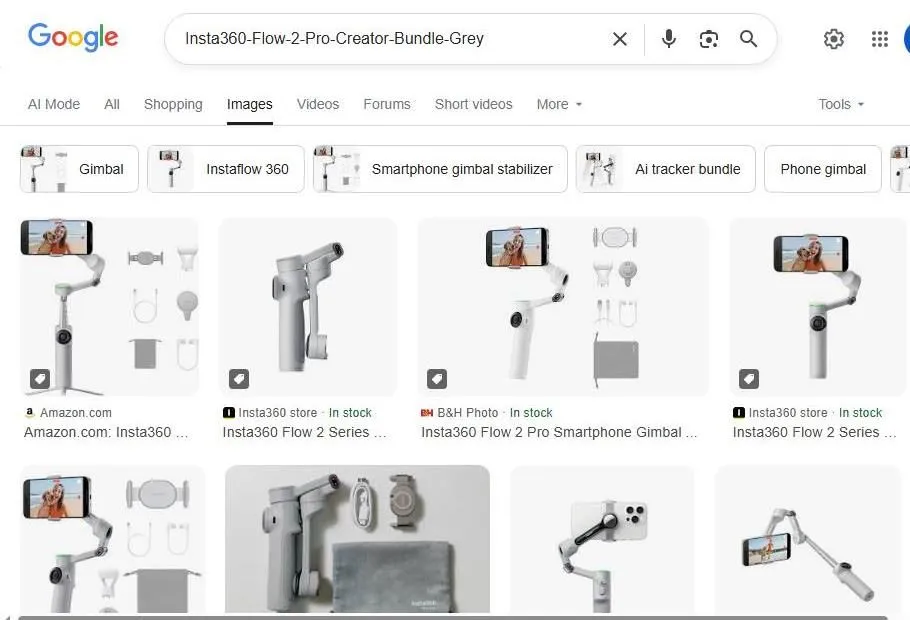
The image displays a Google search results page for a smartphone gimbal. The search query in the top bar is Insta360 Flow 2 Pro Creator Bundle Grey. Several product images appear in a grid layout on the screen. The device shown is a white and grey foldable stabilizer. Some images show the gimbal holding a smartphone with a person on the screen. Other photos display the bundle accessories like cables and a carrying case. Websites like Amazon and B and H Photo are visible in the source labels. Information about stock availability is listed under the product titles. The user interface includes standard search filters like Images and Shopping. Small icons for a microphone and a camera are located in the search bar. This page provides a visual overview for potential buyers.
Insta360 Flow 2 Pro Google Search Results
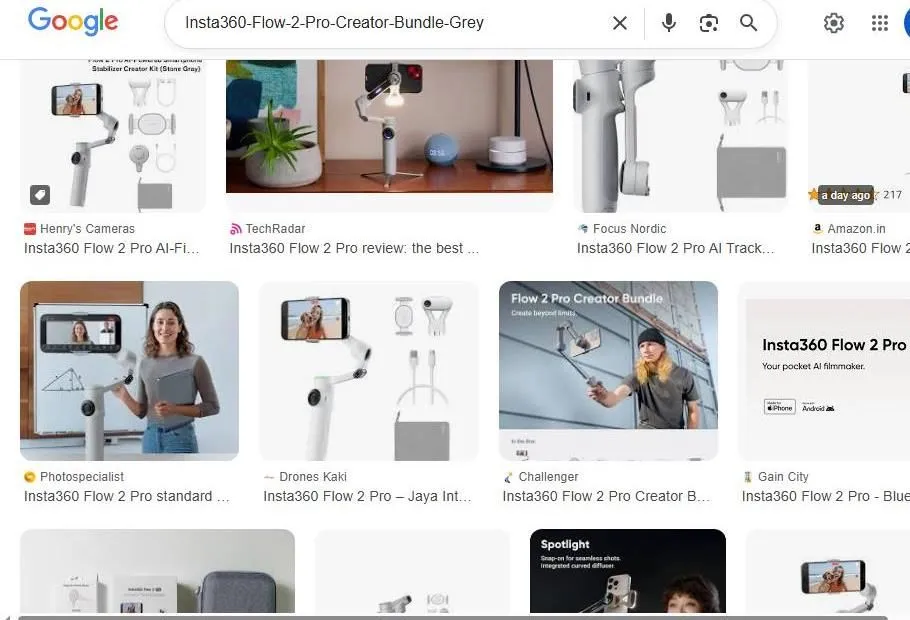
This image shows a Google Image search for the Insta360 Flow 2 Pro Creator Bundle in Grey. Multiple product thumbnails display the smartphone stabilizer in various configurations. Some photos show the white gimbal holding a phone on a tripod. Other images highlight the creator kit accessories like the spotlight and carrying case. Websites like TechRadar and Henrys Cameras are listed as sources for the reviews and product pages. The layout includes a clean grid of high quality marketing images. A search bar at the top confirms the specific product name. The overall interface is typical of a web browser search result page. Each tile provides a brief title and the name of the retailer or tech site.
Google Search Results for Insta360 Flow 2 Pro Creator Bundle
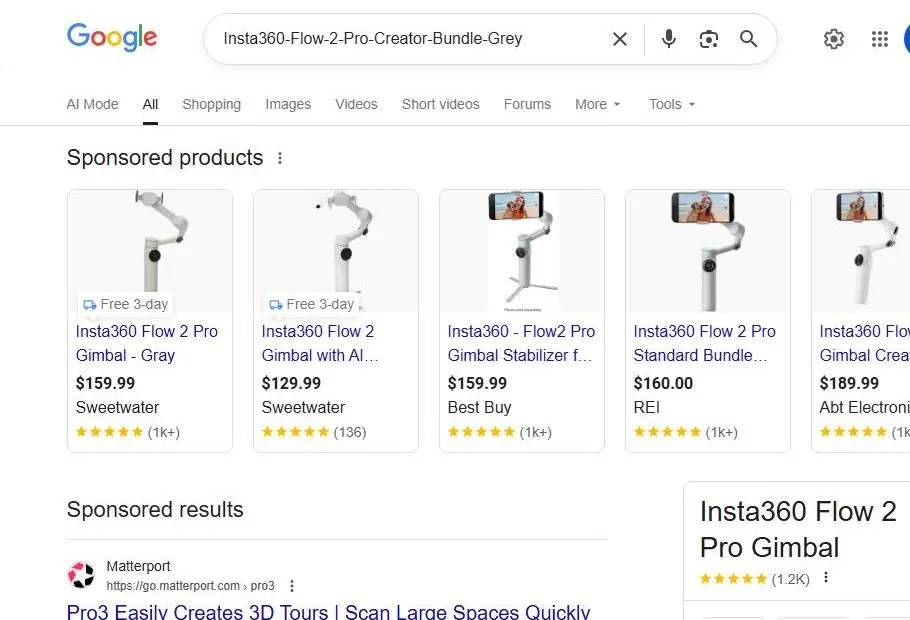
A Google search results page displays several sponsored product listings for the Insta360 Flow 2 Pro gimbal. The search bar at the top contains the specific product name and color. Five product cards are shown in a horizontal row under the sponsored products heading. Each card features an image of the white and gray stabilizer along with pricing and retailer information. Prices range from one hundred twenty nine dollars to one hundred eighty nine dollars. Retailers listed include Sweetwater, Best Buy, REI, and Abt Electronics. Most products have high star ratings with over one thousand reviews. Below the product cards are sponsored search results including a link for Matterport. A knowledge panel for the gimbal appears on the right side of the screen. The interface uses a clean white background with standard blue links and black text. Icons for voice search and image search are visible in the search bar. Navigation tabs for shopping, images, and videos are located below the main search box.
Google Shopping results for Insta360 Flow 2 Pro Creator Bundle
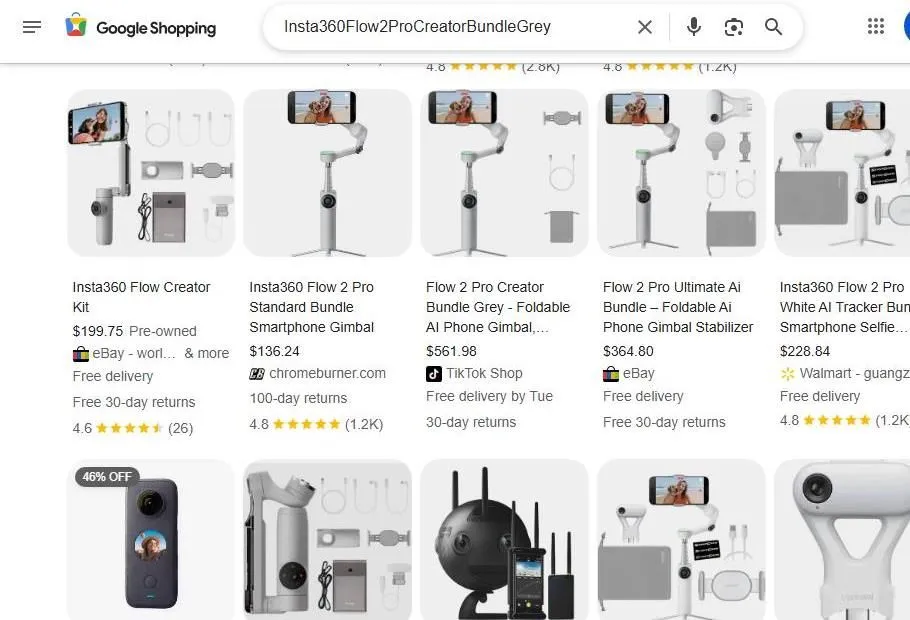
A screenshot shows several Google Shopping search results for the Insta360 Flow 2 Pro Creator Bundle. The top of the page includes a search bar with the specific product name. Various listings display smartphone gimbal stabilizers in grey and white colors. Prices range from approximately one hundred thirty-six dollars to over five hundred dollars. The retailers featured include eBay, chromeburner.com, TikTok Shop, and Walmart. Each product listing includes an image of the gimbal and its included accessories. Some items are labeled as new while others are pre-owned. Customer ratings and review counts appear under most of the titles. Information about free delivery and return policies is visible for several items. A small badge indicates a forty-six percent discount on one specific product. The layout is organized into a grid for easy comparison. The interface includes standard Google navigation icons and filters.
Google Shopping results for Insta360 Flow 2 Pro bundles
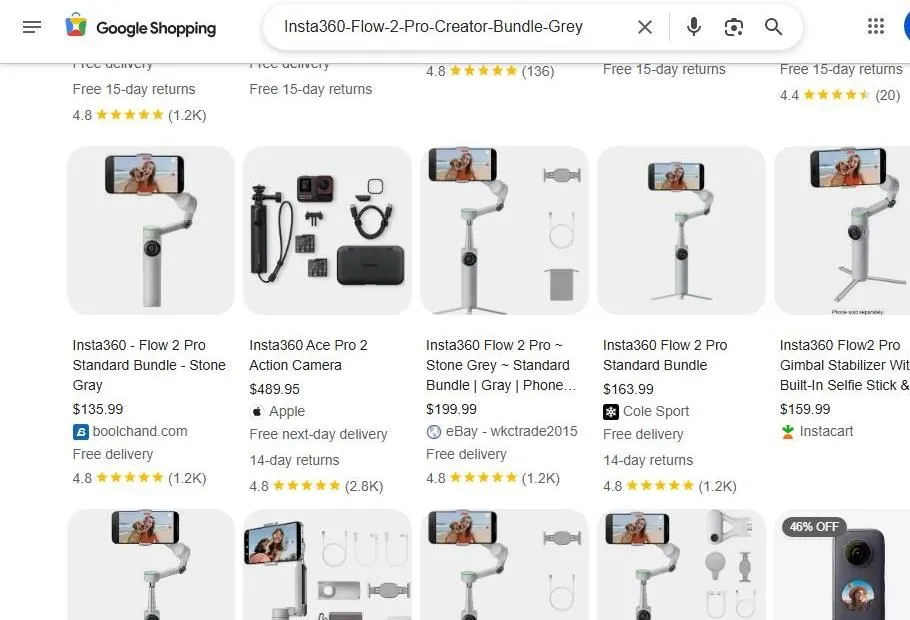
This image displays a grid of product listings from Google Shopping. The search query in the bar focuses on the Insta360 Flow 2 Pro Creator Bundle in grey. Multiple retailers are shown including boolchand, Apple, eBay, and Cole Sport. The primary product is a white and grey smartphone gimbal stabilizer. Some listings show a standard bundle while others include extra accessories. Prices range from roughly 135 to 200 dollars for the gimbal units. One listing features an Insta360 Ace Pro 2 action camera instead. The layout includes product images and star ratings and delivery information. Each card has a small thumbnail showing the gimbal in use with a phone. The interface looks clean with a white background and organized columns. Users can see shipping details like free delivery or return policies. The search bar at the top includes icons for voice search and image search.
YouTube search results for the Insta360 Flow 2 Pro
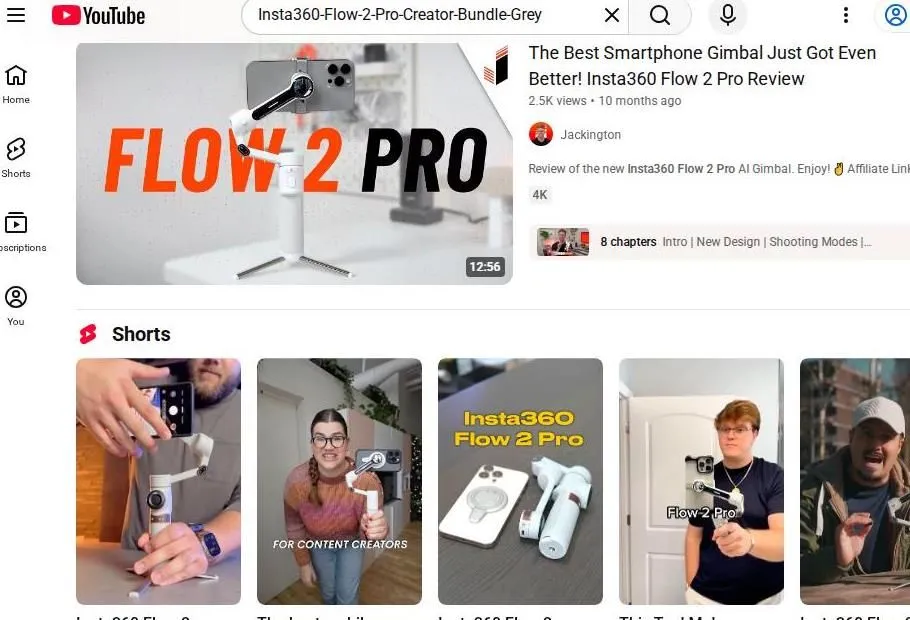
A screenshot of a YouTube search page shows several video results for the Insta360 Flow 2 Pro smartphone gimbal. The top result is a long form review video by a creator named Jackington. It features a large thumbnail with the product name in bold orange and black letters. Below the main video is a row of YouTube Shorts featuring different creators demonstrating the device. The creators are shown holding the gimbal and using it with their phones. One short shows the product folded up next to a smartphone. The interface includes the YouTube logo and a search bar at the top. The sidebar on the left displays navigation icons for Home and Shorts. The layout is clean and typical of a modern web browser view.